GSpace
Tools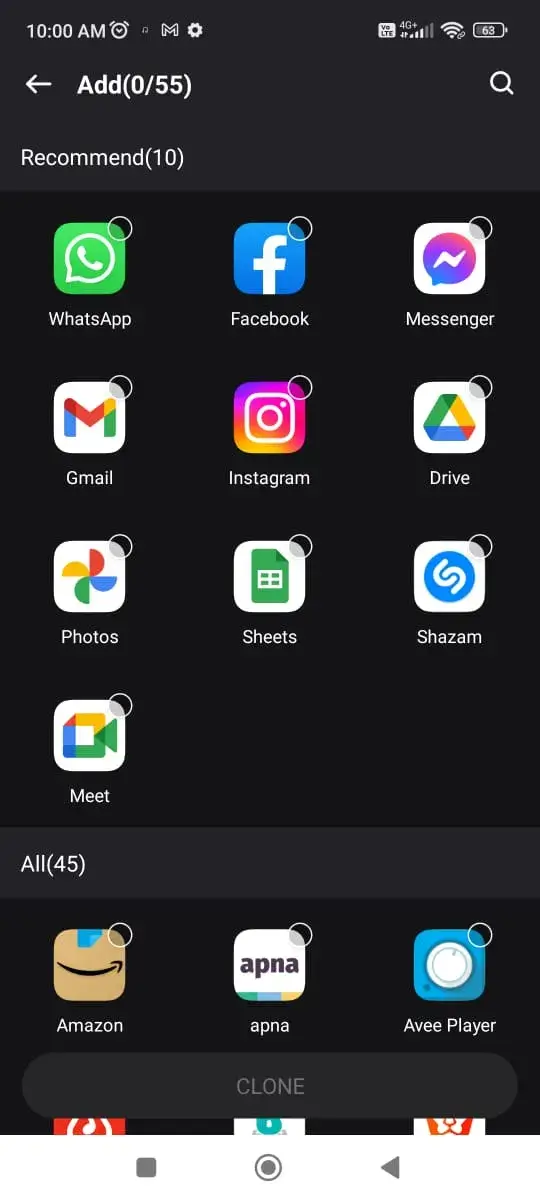
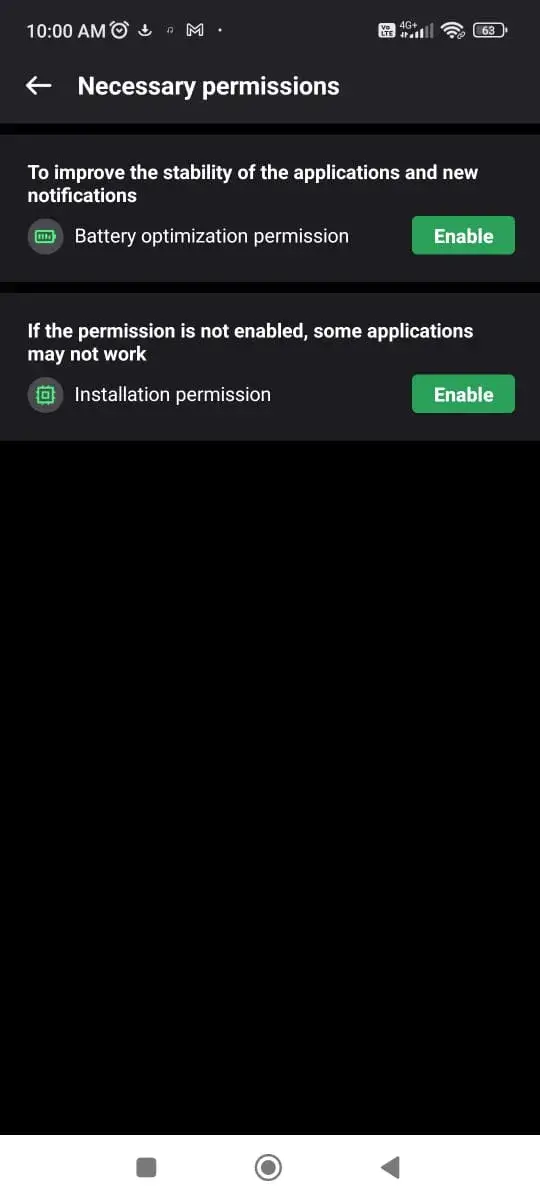

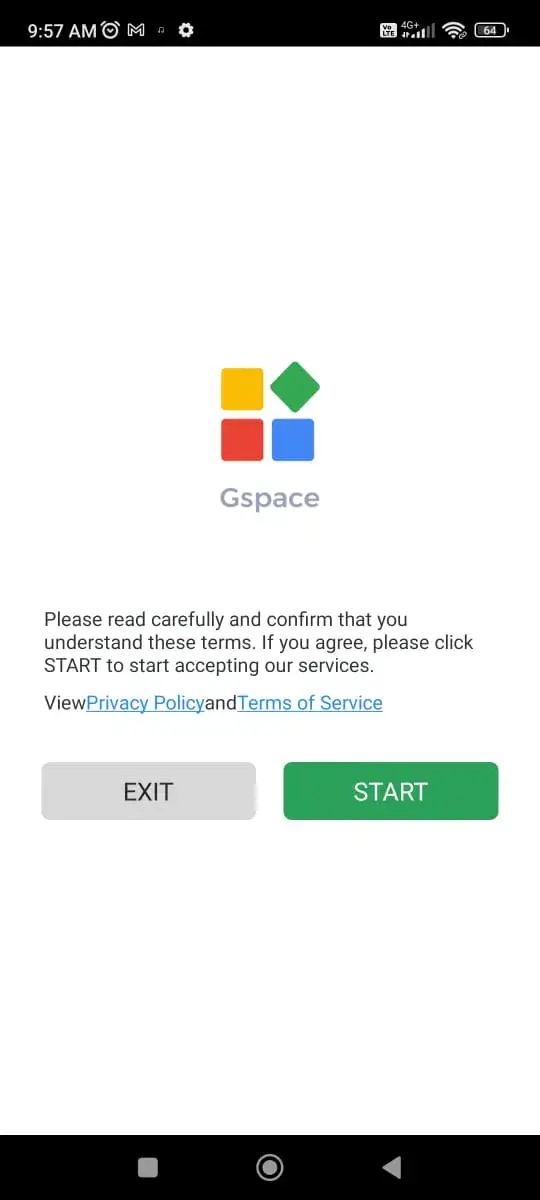
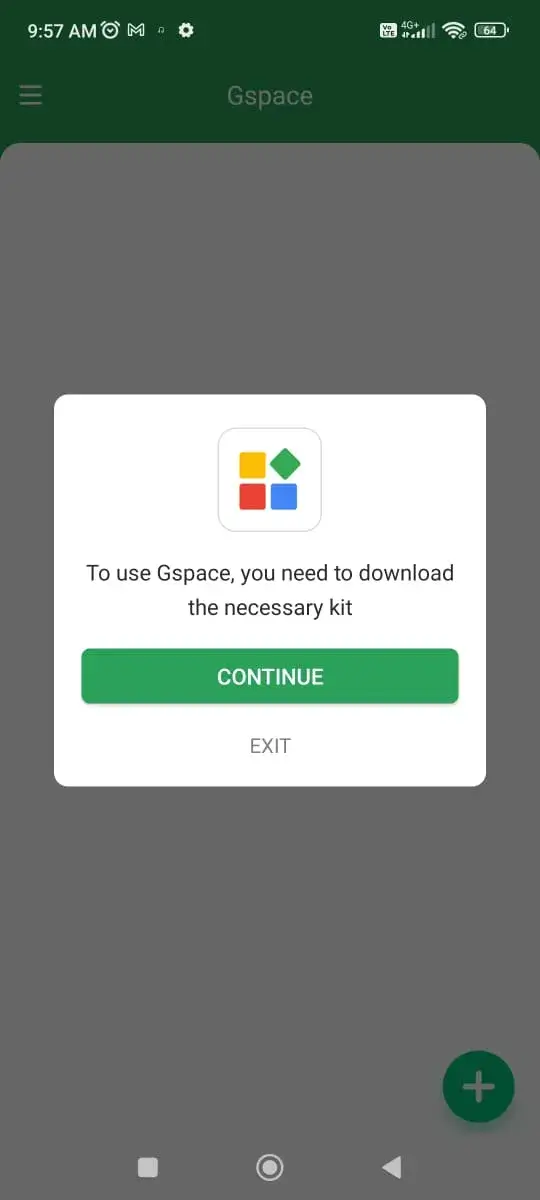
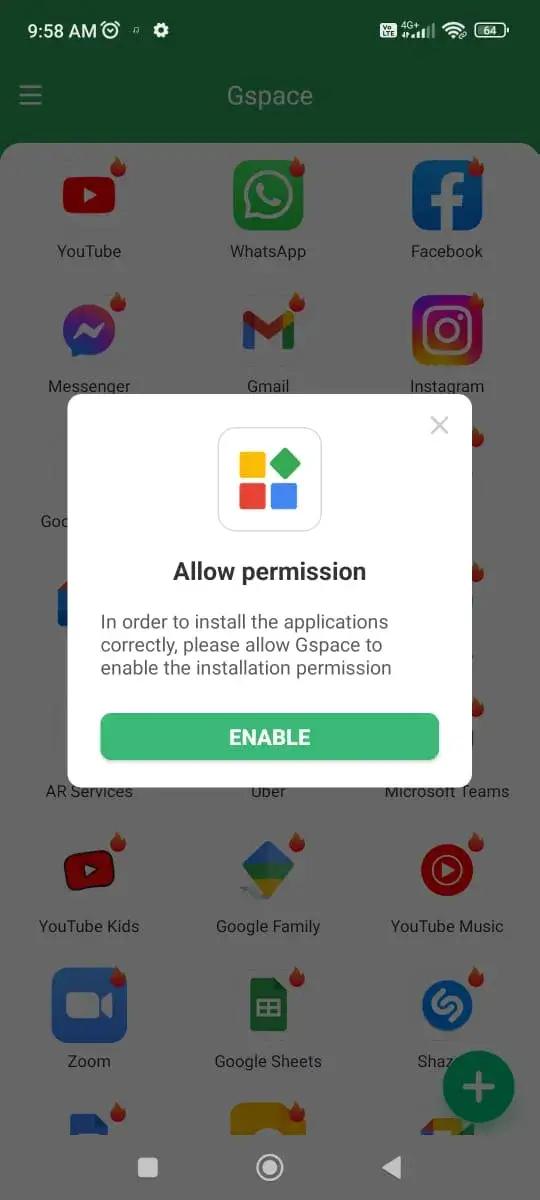

GSpace is a lightweight utility that lets Android devices without Google Play Services access Google apps such as Gmail, Maps, and YouTube. It creates a virtual environment where the required Google framework files are provided, allowing supported apps to launch and work normally.
This page gives you the latest official build, a quick overview, installation steps, and practical tips for safe use.
Quick Information
| App/Game Name | GSpace |
| Latest Version | 2.3.3 |
| Developer | Not listed |
| Category | Apps / Tools |
| App Size | 14.7 MB |
| Package Name | com.gspace.android |
| Last Updated | 1 October 2026 |
What Is GSpace?
GSpace acts as a wrapper that bundles the core Google Play Services libraries and presents them to selected apps. By doing so, it bypasses the need for a full Google Play installation, which is useful on Chinese smartphones, custom ROMs, or devices where Google apps are missing.
Key capabilities include:
- Running Google‑dependent apps without the official Play Store.
- Minimal impact on device storage – the APK is only 14.7 MB.
- Works without root access on most Android versions.
GSpace does not replace the entire Google ecosystem; it only supplies the libraries required for individual apps. Some features that rely on deep Google integration (e.g., full account sync) may remain unavailable.
Compatibility
| Android Version | Not Verified |
| Architecture (ARM64 / 32-bit) | ✓ Verified — Supports common device architectures |
| Internet Connection | ✓ Verified — May be required for ads, updates, or login |
| Storage Needed | Not Verified |
| OBB/Data Files | Not Verified |
| Root Required | Not Verified |
How to Install
- Download the GSpace APK file from this page.
- On your device, open Settings → Security (or Privacy) and enable Install unknown apps for the browser or file manager you will use.
- Locate the downloaded
GSpace.apkin your Downloads folder and tap it. - Follow the on‑screen prompts to complete the installation.
- After installation, open GSpace, grant any requested permissions, and add the Google apps you want to run.
Troubleshooting
- App not installed error: Ensure the APK is compatible with your Android version and that unknown sources are allowed.
- Crashes on launch: Clear the app cache via Settings → Apps → GSpace → Storage → Clear cache, then retry.
- Google apps still refuse to start: Verify that the app you added is listed inside GSpace’s supported apps list.
- Permissions denied: Re‑grant required permissions (Storage, Phone) in the app’s permission settings.
Safety & Security
GSpace is an unofficial utility, so it’s important to download it only from trusted sources. Review the permissions it requests; typical needs include storage access and basic device information. Because the app modifies how Google libraries are loaded, keep an eye on app updates – a newer Android version may require a refreshed build of GSpace.
How GSpace Compares
| Feature | GSpace | MicroG | Google Play Services |
|---|---|---|---|
| Price / Free model | Free | Free (open‑source) | Free (bundled with Google Play) |
| Platform availability | Android (any version that permits unknown app installs) | Android (requires custom ROM or root for full integration) | Android (pre‑installed on Google‑certified devices) |
| Standout feature | Runs selected Google apps without full Play Services | Provides a broader set of Google APIs as a replacement | Full suite of Google APIs and seamless integration |
| Best for | Users with devices lacking Google Play but needing occasional Google apps | Power users who want a more complete Google‑API replacement on custom ROMs | Standard Android devices that come with Google services pre‑installed |
Alternatives
Other tools that let you use Google‑dependent apps on non‑Google devices include:
- MicroG Services Core – an open‑source implementation of Google Play Services offering broader API coverage.
- Google Installer – a package that installs the full Google Play suite on devices where it’s missing, often used on Chinese smartphones.
- App Cloner – allows you to create duplicate instances of apps, sometimes used to bypass restrictions, though it does not provide Google libraries.
Final Verdict
GSpace is a practical solution for users whose devices lack Google Play Services but need occasional access to Google apps. It’s lightweight, requires no root, and works with a simple install process. However, it only supports a limited set of apps and may not provide full Google functionality. Check the compatibility table before installing, and keep the app updated to maintain stability.
Frequently Asked Questions
GSpace is safe when downloaded from a reputable source, but always review the permissions it requests before installing.
GSpace works on most Android versions that allow installation of apps from unknown sources; see the compatibility table for details.
No, GSpace does not require root; it operates as a regular user‑level app.
No, it only provides the core libraries needed for selected apps, not the full suite of Google services.
Because it runs only when a supported app is launched, the impact on battery is minimal.
Download the latest APK from this page and install it over the existing version; the installer will replace the old files.
Yes, but it is unnecessary on such devices since the native services already provide full functionality.
Make sure the app is listed as supported in GSpace, clear the app cache, and verify that all required permissions are granted.